Logitech G940 · Force 3D Pro · WingMan Force 3D
FFB-Bridge supports selected Logitech force-feedback sticks: Logitech Flight System G940, Logitech Force 3D Pro, and Logitech WingMan Force 3D. The force model is the same MSFS 2024 and X-Plane pipeline, with device-specific USB detection and direction handling. The v1.1.2 update also adds a Linux G940 spring-safe mode for driver stacks that dislike repeated spring-condition uploads.
- Logitech Flight System G940
046D/C287- Logitech Force 3D Pro
046D/C286- Logitech WingMan Force 3D
046D/C283- Validation level
- Validated support; wider hardware reports still welcome
Supported-device registry
The bridge now chooses from a registry of supported force-feedback joysticks instead of assuming every install is a SideWinder FFB2.
Read the release changelogValidate on the Support page
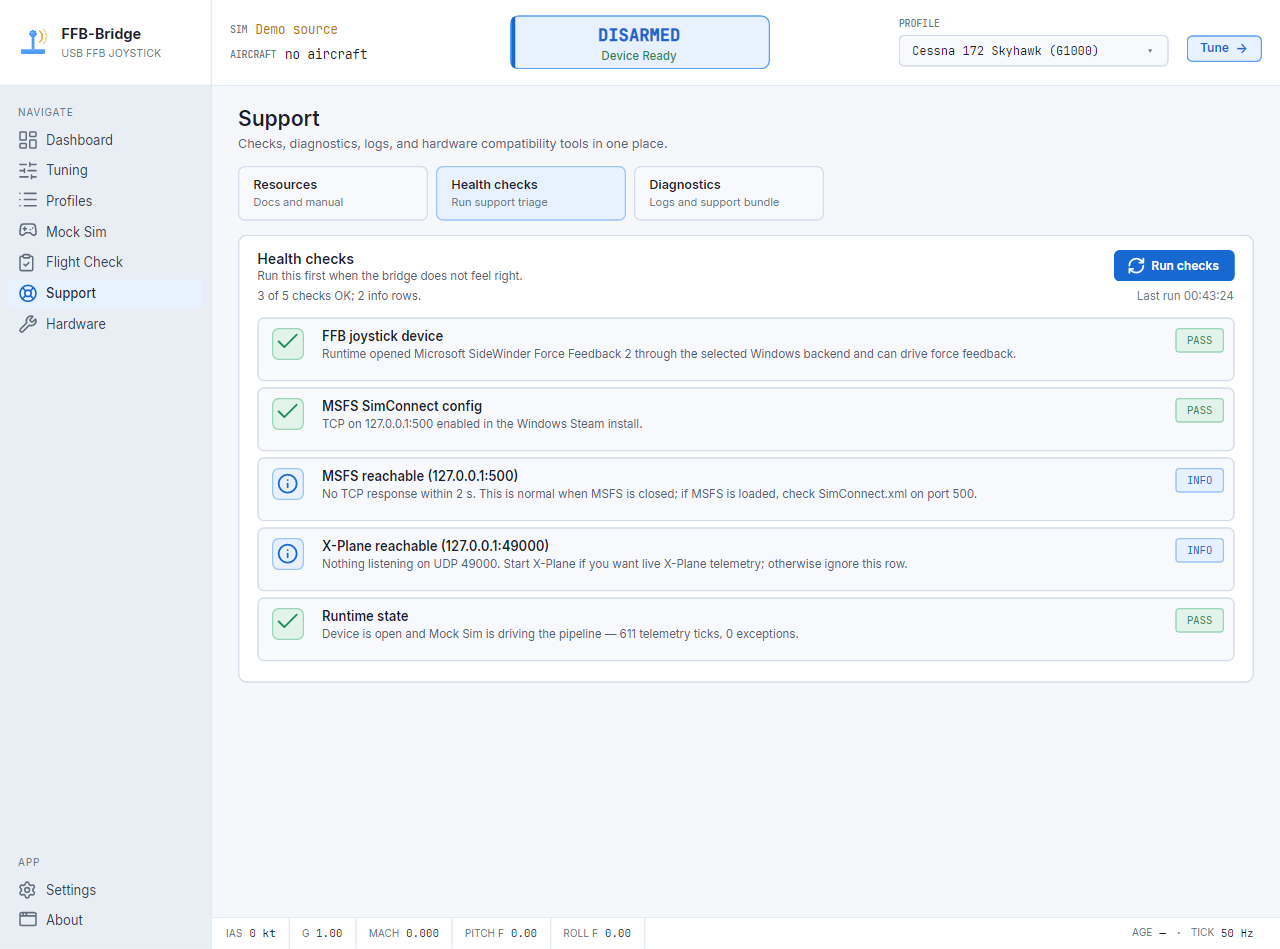
After launch, run Support checks. If forces pull the wrong way, use the live polarity test. If hardware effects misbehave, try the software-blended periodics fallback.
Open Support page guideOther FFB hardware
Other Logitech models, Thrustmaster bases, wheels, gameport adapters, and custom devices are still research targets. Use FFB Probe for those.
Run FFB ProbeKnown devices get known-good defaults
Validated on Windows, Linux, and macOS for the listed G940, Force 3D Pro, and WingMan Force 3D.
Have one of the selected Logitech sticks?
Download the current release, run Support checks, then send a support bundle if the hardware path needs tuning.